Photo Poster
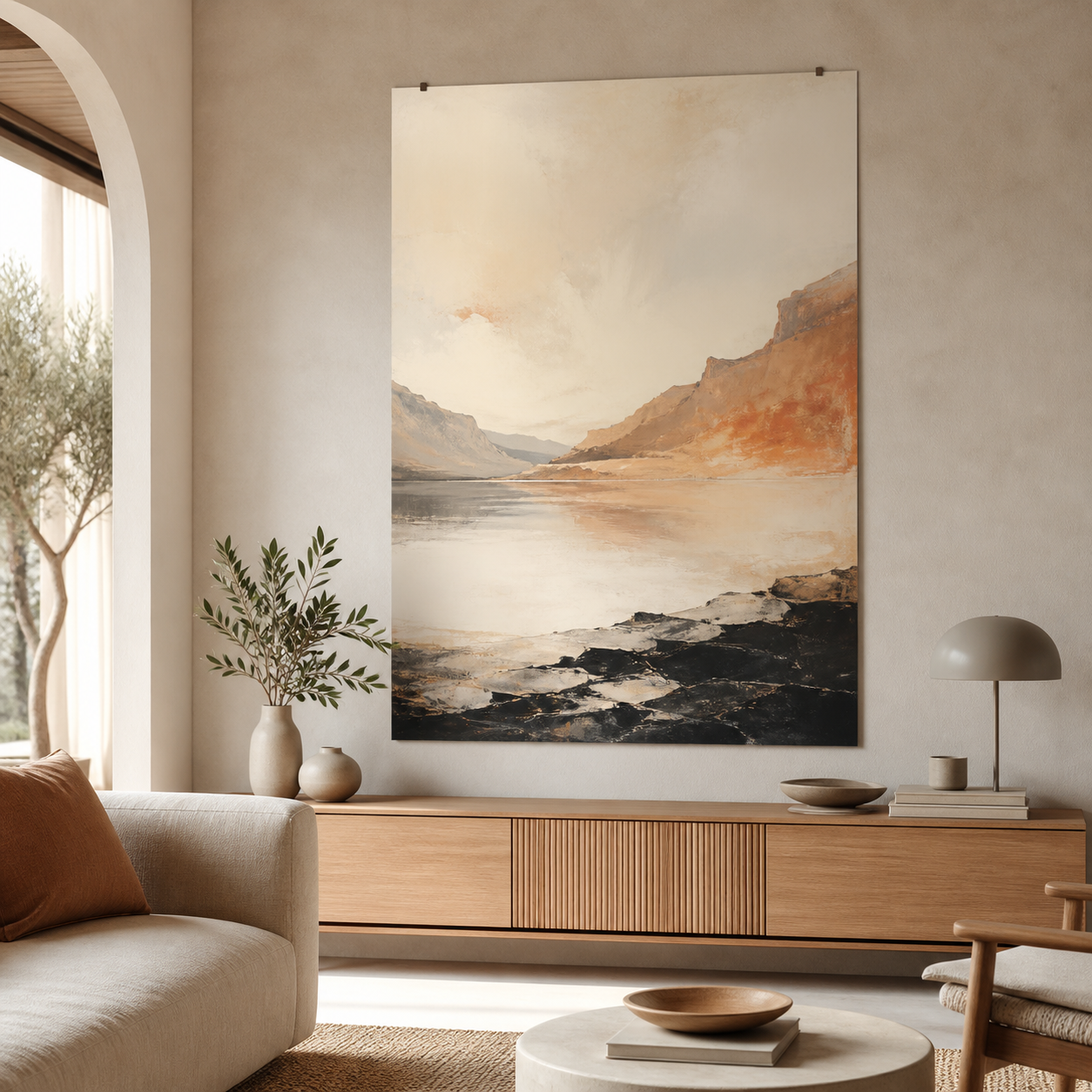
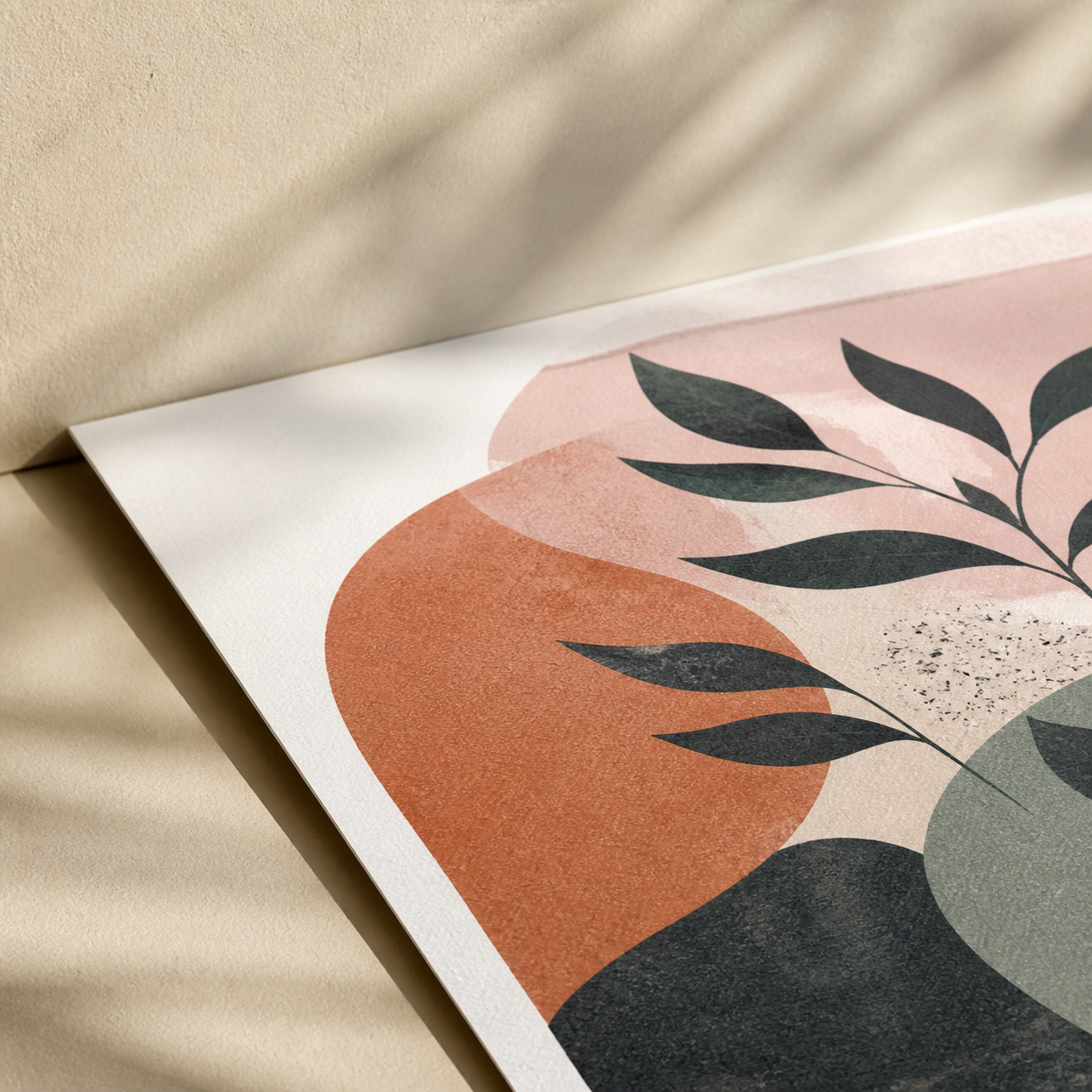
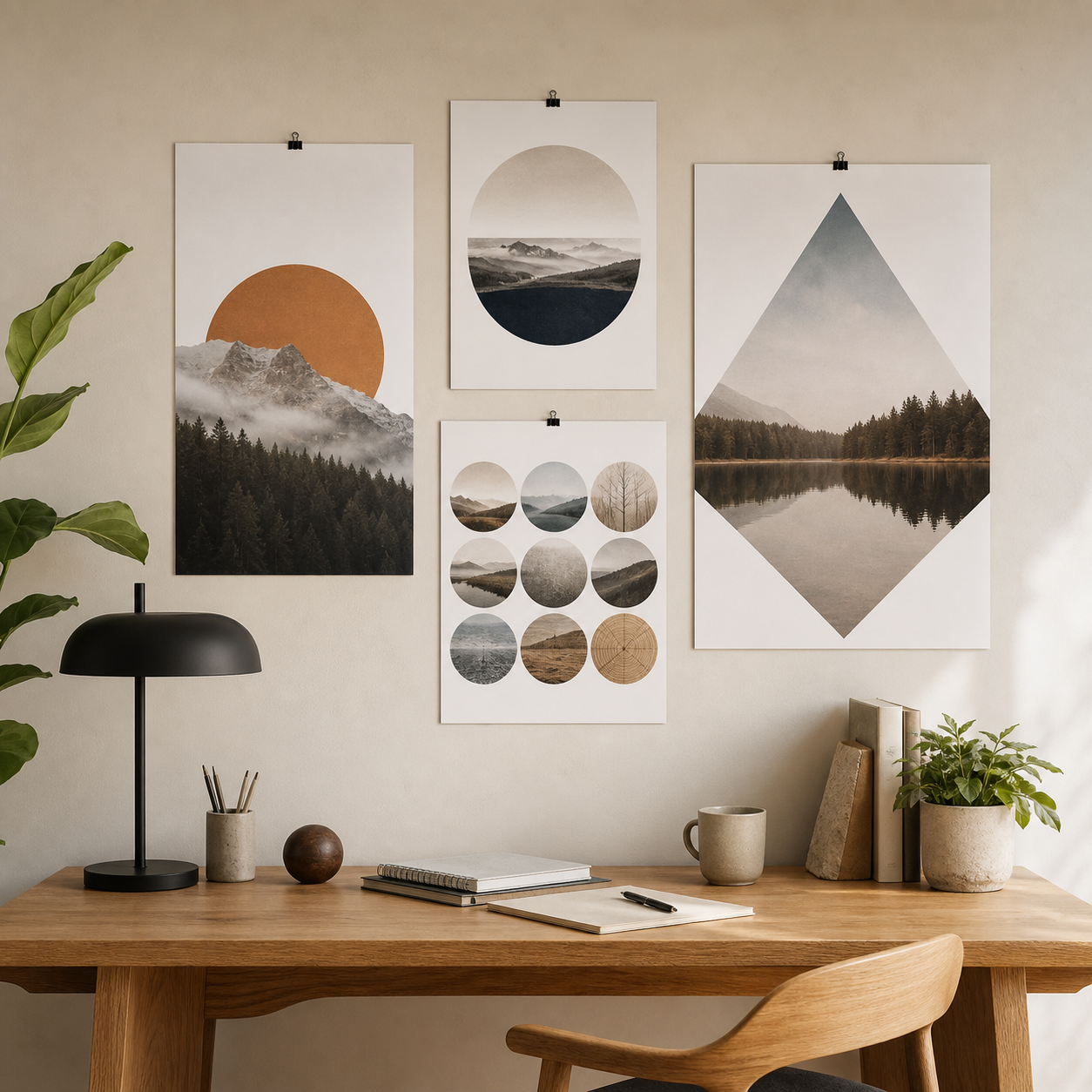
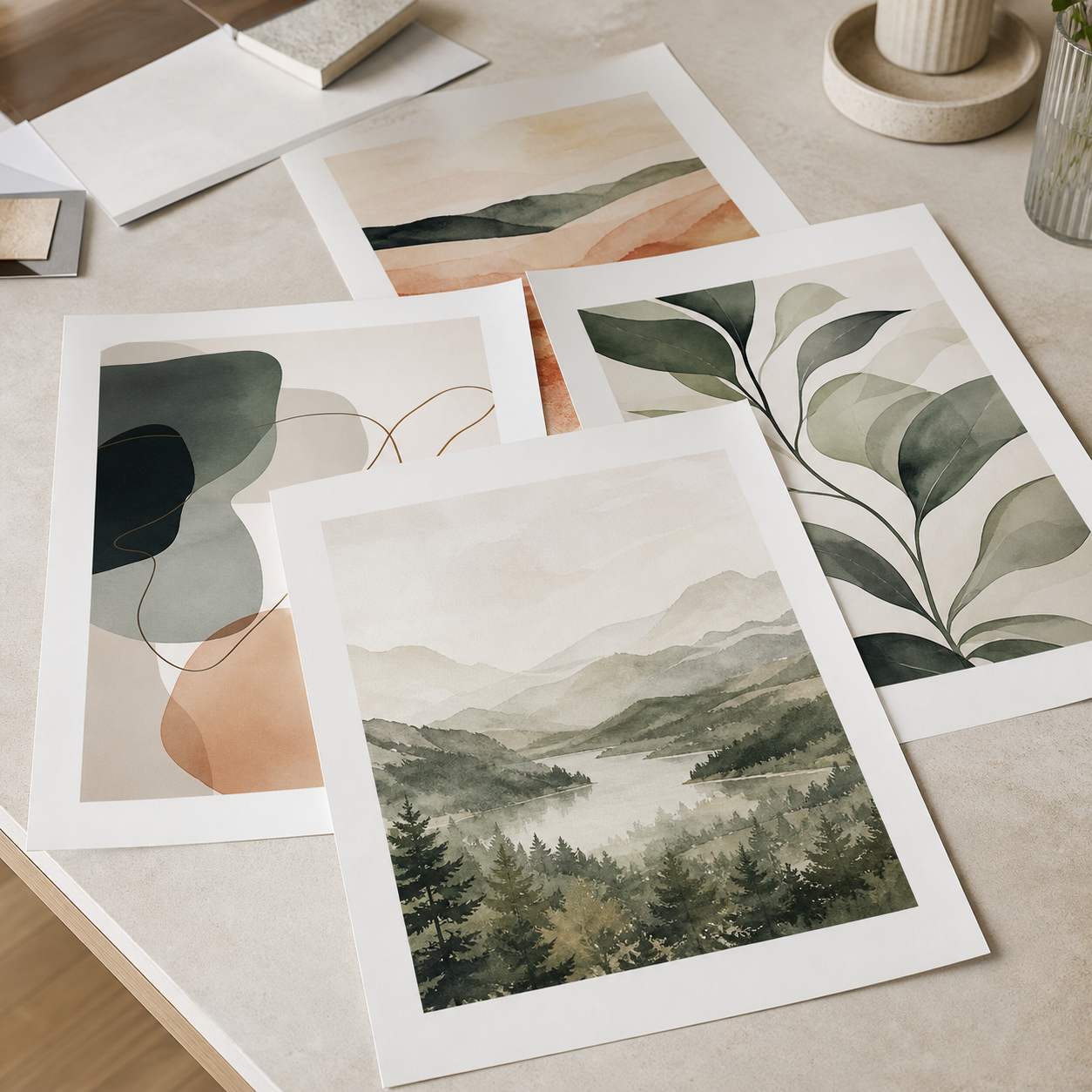
Quantity: 1; Dimensions in CM: 50x70; Material: BlueBack paper; Print Type: Photographic Quality
Printing of photo posters on BlueBack paper in photographic quality, for enlargements that keep the details and shades of the original image. Sizes are free: you enter width and height in centimetres, starting from 50 × 70 in portrait or landscape, and choose the run from one to one hundred copies. You can upload your image or have it prepared in chat. Suitable for billposting, shop displays, exhibitions, events and the decoration of offices, venues and showrooms.
Take a look at these too
Photo poster on BlueBack paper
On this page you order a photo poster starting from your own image: a photograph, an illustration or a design printed on BlueBack paper in photographic quality. The size is up to you: enter width and height in centimetres in the dedicated fields, keeping to the minimum of 50×70 cm in portrait or 70×50 cm in landscape, and choose how many copies to print, from 1 to 100.
The same page works both for a single enlargement to hang at home or in a studio and for a small run of identical posters for a shop, an exhibition or an event. Below you will find how to choose the size, how to check your photo before ordering and when another material is the better choice.
What it is used for
- Shop windows and shop interiors: a product photo, a campaign image, a seasonal visual to swap when the display changes.
- Stands, conferences and exhibitions: images in the size chosen for each wall or panel, also in several copies.
- Photo sets and indoor events: scene images printed to size.
- Studio, office and home: a landscape, a portrait, the memory of a trip or of an important day.
What you choose in the configurator
- Quantity: from 1 to 100 copies.
- Dimensions in cm: any width and height, with a minimum of 50×70 or 70×50.
- Material: BlueBack paper.
- Print Type: Photographic Quality.
- Graphic Design: «I already have the file» if you upload your own image, «I create the artwork in chat» if you want to prepare it in chat.
Material and print type are already set: the real choices are the size, the number of copies and where the file comes from.
How do you choose the size of a photo poster?
Start from the wall and from the distance the poster will be viewed from. Measure the free space, leave a margin around it and enter the width and height you need in centimetres: you are not tied to a standard format. If you already have a frame or a display holder, enter its internal measurements.
Then check the proportions of the photo. A camera shot often has a 2:3 ratio, a phone shot 3:4 or 9:16: if the size you choose has a different ratio, part of the image is left out. It is better to crop the photo yourself to the proportions of the poster, so you decide what to keep.
- 50×70 cm: the minimum size on this page, suited to a portrait or a photo to be viewed up close.
- 70×100 cm: a common size for shop windows and shop walls.
- Custom sizes: a panoramic strip above a counter, a square for a series, a wide format for a stand.
What resolution do you need to print a photo as a poster?
It depends on the size and on the viewing distance. A poster is usually viewed from one metre or more, so you do not need the values required for a print held in the hand. As a rough guide, for a 50×70 cm poster a file of about 3000×4100 pixels corresponds to 150 dots per inch at print size; for a 70×100 cm poster the same detail requires about 4100×5900 pixels.
With a smaller file, fine details look less sharp up close. Three quick checks:
- use the original file from your camera or phone, not a copy received in a message or downloaded from a social network, which is usually reduced and compressed;
- zoom in on the photo on screen until faces and lettering are the size they will be on the poster: on a large poster every flaw is more noticeable;
- if you enlarge a small image with software, check it again before uploading it.
How to prepare the photo file
- Set up the file in the proportions of the chosen size, in portrait or landscape like the poster.
- Keep faces, text and logos away from the edge, so they stay whole after trimming.
- If you add a title, a date or a phrase, check that it can be read from the intended distance.
- Check brightness and contrast: a photo that is dark on screen stays dark on paper too.
What is BlueBack paper?
It is a billposting paper with a blue back, which prevents show-through: what is behind the poster cannot be glimpsed through the print. It is a wet-strength paper, widely used for posters and displays. On this page it is printed in high definition with UV varnish, to give vivid colours even on just a few copies.
This page offers only this paper. If you are looking for an image on a rigid material or on canvas, you will find the alternatives further down.
Is a portrait or a landscape poster better?
Follow the photo, not habit. A portrait, a full-length figure or a building calls for portrait format, starting from 50×70 cm. A landscape, a group of people or a panoramic view works better in landscape format, starting from 70×50 cm. In the dimension fields you enter the width and height yourself: that is how you choose the orientation.
Can I print a series of matching posters?
Yes. For a wall with several images it helps to decide the layout first: three posters of the same size in a row, or a large format in the middle and two smaller ones at the sides. For each image you set the size and the number of copies. Using the same paper and the same print type for the whole series helps keep a consistent result from one poster to the next.
How many copies should you order?
For a home or a studio one copy is usually enough. For a shop with several windows, several outlets or an event with several entrances, count the display points and add a spare copy for replacements. This page accepts from 1 to 100 copies and the configurator updates the total as you change the quantity.
Are phone photos good enough for a poster?
Yes, if you use the original file. Shots from recent phones generally have enough pixels for a 50×70 cm poster; for larger sizes check the pixel dimensions in the file information and compare them with the reference values given above. Photos taken with digital zoom or in low light show more grain and less detail: on a poster these limits become more obvious.
Will the poster colours match the ones on screen?
A screen is backlit, paper is not: the same image usually looks a little less bright in print. For a realistic idea, look at the photo with the screen brightness at a medium level, not at maximum. If the shadows already look blocked up or the faces too dark, lighten the image slightly before uploading it.
Colour or black and white?
This page prints both versions in the same way: the file you upload decides. Black and white works well with portraits, architecture and high-contrast photos; colour brings out landscapes, products and campaign images. In a series it is best to choose just one of the two for all the posters.
I do not have a file ready: what do I do?
In the Graphic Design field choose «I create the artwork in chat»: you prepare the artwork in chat starting from your photo and your instructions. If your file is ready, leave «I already have the file» selected and upload it.
How do you display a photo poster?
It depends on the place. In a shop window or on a display panel the poster is fixed to the backing; at home or in the office many people choose a frame of the right size. This page supplies the printed sheet: frame, panel and fixing systems are not included. So before choosing the size, check where and how you will display it.
Photo poster or print on a rigid material?
A paper poster is light, easy to replace and the natural choice for images that change with the season or the event. If you want an image with a backing of its own instead, consider a panel or a canvas:
- poster on rigid board, when you need a flat, stable surface;
- photo on Forex, photo on plexiglass or photo on aluminium, for a frameless picture;
- canvas printing, for the look of a traditional painting;
- custom wall murals, when the photo has to cover a whole wall.
What to check before confirming the order
- width and height entered in the right fields;
- file proportions the same as those of the poster;
- main subject away from the edges;
- number of copies;
- choice between a ready file and artwork to create in chat.
Other posters and billposting formats
- Custom posters, for designs and communications without photography.
- 50x70 posters and 70x100 posters, in the classic billposting formats.
- A3 posters, for small formats to display.
- Advertising posters, the category with all the formats.
From your idea to a print-ready file
Our graphic design service helps you create a new layout, vectorize a logo or adapt images and artwork to your chosen product. Share your materials and instructions in chat and review the previews before the final files are prepared.
Explore our graphic design service
Is graphic design included in the printing price?
Graphic design is a paid service purchased separately. Checking your print file is included in the product price; creating or modifying the artwork requires the separate design service.
Total: 4,99 € (VAT included)